OSINT Operational Security: How to Build Your Covert Command Centre
By Elena Dollfuss, Data Researcher, ORYXLABS
26 فبراير 2026In the first and second posts of this series, we learned why protecting your identity matters and what tools and practices keep you invisible. Now it’s time for the how: building the investigation environment that lets you operate smoothly, securely, and invisibly. This is the blueprint for your digital safehouse, detailing everything from your operating system to your browser configurations, all designed to keep you covert.
1. Choose the right base machine: your mission-control console
Your OSINT workstation is your command centre. If compromised, every investigation risks exposure. Your first step is ensuring a clean, isolated operational base.
- Virtual machines (VMs): Use a clean VM image where no personal apps, social logins, or shared browsing history exists. Tools like VMware offer free versions of their virtualisation software, which create isolated environments on your existing computer.
- Dedicated hardware: For the highest level of security, use a physical device that is dedicated exclusively to investigations and never touches your personal networks.
- Lean OS install: Use minimal installations like Ubuntu LTS with only the essentials: browser, VPN client, forensic tools. Avoid extra fluff and distractions to create a secure, predictable workspace. For specialised investigations involving digital forensics or deep technical reconnaissance, you can opt for Kali Linux. This security distribution is preloaded with hundreds of investigative tools, but its highly visible nature requires even stricter isolation and anonymity management within a VM.
- Network isolation: If possible, keep your investigative machine on a separate network segment (or VM host) from your personal devices. Think of it as a bunker inside a safehouse.
2. Secure your network route: make it untraceable
Before you even open a browser, ensure your network path is anonymous and layered. This is your digital entry point so it must be invisible.
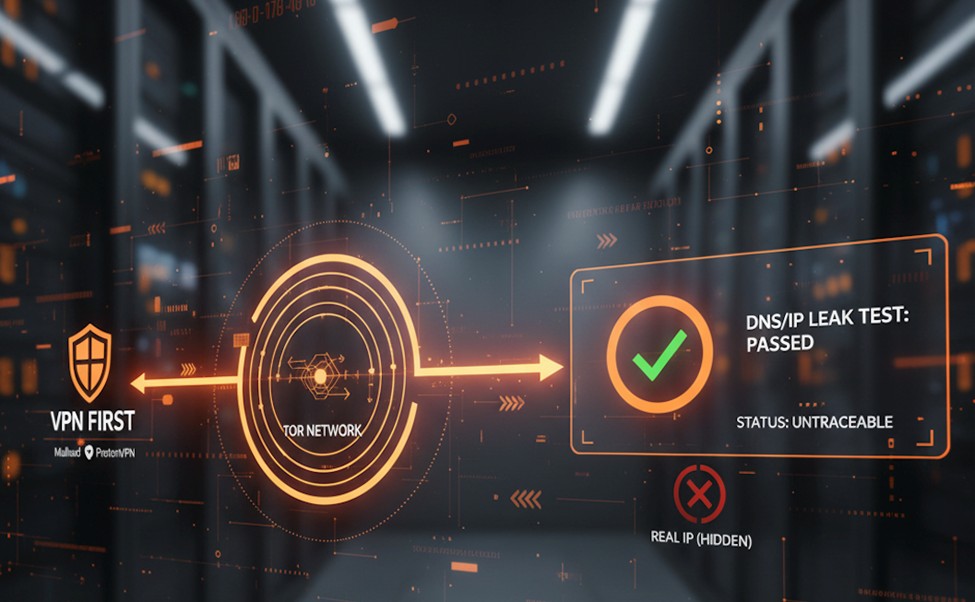
- VPN first: Launch a reputable no-logs VPN (e.g., Mullvad, ProtonVPN) to encrypt your traffic and mask your origin.
- Tor or VPN+Tor combo: For high-risk cases or operations requiring maximum stealth, route through Tor after the VPN. It slows you down, but it also fractures your digital trail, making it much harder to trace.
- Check for leaks: Run a DNS/IP leak test (dnsleaktest.com or equivalent) to verify that your network reveals nothing. If a leak shows your real ISP or location, you’re exposed before even starting.
3. Configure your browser workspace: the invisible lab
Your browser is your primary tool, but also your greatest risk. Configure it like a covert operations lab, dedicated solely to your work.
- Clean profiles only: Avoid mixing personal use with OSINT. Use a clean profile dedicated to the investigation, installing only necessary OSINT-related extensions.
- Isolation features: Use features like Firefox Multi-Account Containers or Chrome’s strictly segregated profiles to run one case per container/profile, preventing cookies and session data from mixing between targets.
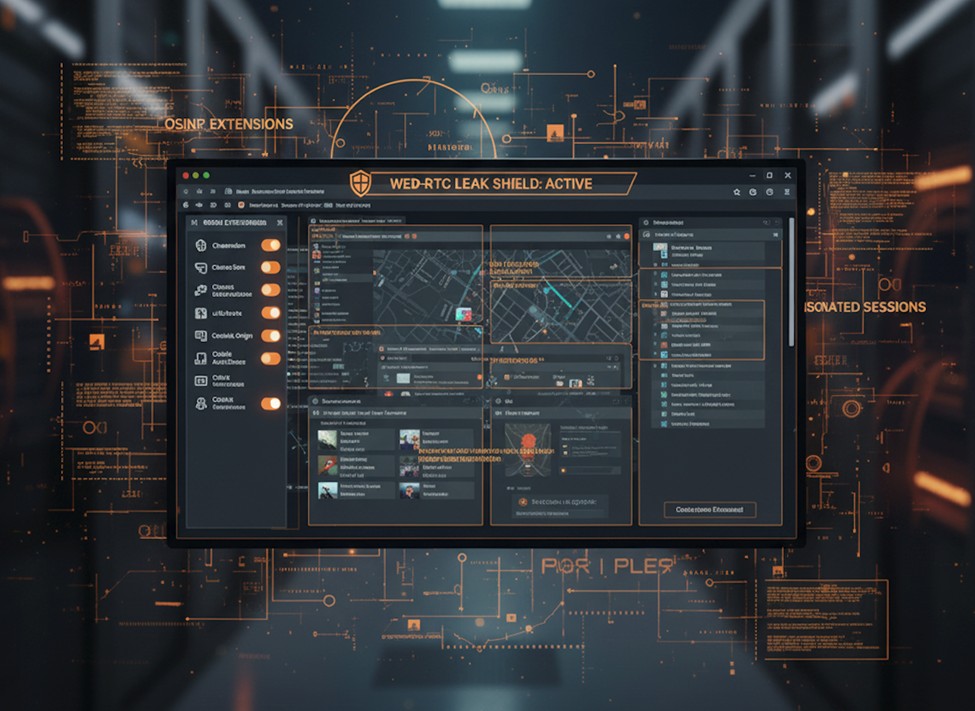
- Disable WebRTC and fingerprint leaks: Instead of only relying on browser settings, use a dedicated browser extension (like WebRTC Leak Shield for Chrome or Disable WebRTC for Firefox) to block this leak vector and then verify using a leak test.
- Set up anti-fingerprinting extensions:
- Chameleon - randomises browser traits.
- Canvas Defender / CanvasBlocker - disrupts canvas/WebGL fingerprinting.
- uBlock Origin & Privacy Badger - block trackers and ads.
- Cookie AutoDelete - cleans cookies when tabs close.
- Bookmark your OSINT tools: Make sure your browser includes direct links to your search engines (like DuckDuckGo), probe platforms, and safe-logging environments.
4. Prepare your data workspace: safe handling and storage
Gathering data is one thing. Protecting it is another. All data must be handled with operational security in mind.
- Encrypted storage: Use an encrypted container (VeraCrypt or encrypted filesystem) for downloaded data, screenshots, notes, and sensitive files.
- Metadata hygiene: Before saving or sharing documents or images, run tools like exiftool (exiftool -all= image.jpg) to remove hidden identifiers (device info, GPS tags, timestamps).
- Never move raw screenshots to shared spaces. They often retain metadata even if the original image was scrubbed. Always save and re-save them within your encrypted container first.
- Offline documentation: Maintain investigation logs and notes offline or in encrypted form. If your machine is compromised, this becomes your fallback.
- Backup plan: Use an encrypted backup destination detached from your daily environment, preferably on removable media, stored separately.
5. Launch and monitor: set up for active recon
Once your workstation, network route, browser, and data workspace are set, you’re ready to begin. But stay alert.
- Operational checklist:
- VPN and/or Tor connected?
- IP/DNS leak test passed?
- Browser profile is clean and uncompromised?
- Storage encrypted and metadata cleaned?
- Containers or VMs isolated per case?
- Continuous monitoring: Periodically re-check your network path, browser fingerprint, and storage security. If something changes mid-investigation, stop and reassess.
Closing thoughts
Setting up your OSINT environment is not a one-time chore; it’s the foundation of every investigation you’ll ever run. Skip even one layer and you undermine the rest. A dedicated machine with a layered network route, hardened browser, encrypted data workspace, and disciplined operational routine is not just smart, it’s essential.
This is where dedicated solutions can streamline your operational security. DISCOVERY, our external attack surface management and digital risk protection solution, acts as the central security office for your OSINT operations, offering continuous situational awareness, vulnerability assessments, and threat intelligence monitoring. It lets you stay focused on insight, not infrastructure.
When you build your digital safehouse and stick to your operational checklist, you're not just gathering intelligence, you're doing so without leaving a trace.
Remember: stay vigilant, stay anonymous.